The messenger that always works.
Crisix is a decentralized crisis messenger. Wi-Fi, Internet, DNS Tunnel – Crisix finds the way. No central servers, no SIM card, no internet required.
Why Crisix?
Uncompromising communication – always and everywhere.
Offline-First
Crisix prioritizes local connections. Bluetooth and Wi-Fi Direct work without any infrastructure – ideal for crisis zones and remote areas.
7 Transport Layers
Bluetooth, Wi-Fi Direct, SMS, local WLAN, P2P Internet, DNS Tunnel and LoRa. Crisix seamlessly switches between all available paths.
End-to-End Encryption
Signal standard: X3DH key agreement + Double Ratchet. AES-256-GCM for every message. Your communication stays private – always.
Decentralized & Serverless
No central servers. Kademlia DHT for peer discovery. Ed25519 identities. Your key, your identity.
QR Code Discovery
Add contacts via QR code – secure, fast and without internet connection. CameraX + ML Kit for lightning-fast scanning.
DNS Tunnel Firewall Bypass
Crisix bypasses restrictive firewalls and captive portals with DNS tunneling. Communication even where only DNS is allowed.
Secret Rooms (DHT)
Create or join secret chat rooms via the decentralized DHT network. Worldwide peer discovery without a central server – just share a room name.
Disappearing Messages
Enable a message timer for sensitive chats. Messages automatically disappear after 30s, 5min or 1h from both devices.
App in Action
This is what Crisix looks like on your Android phone.
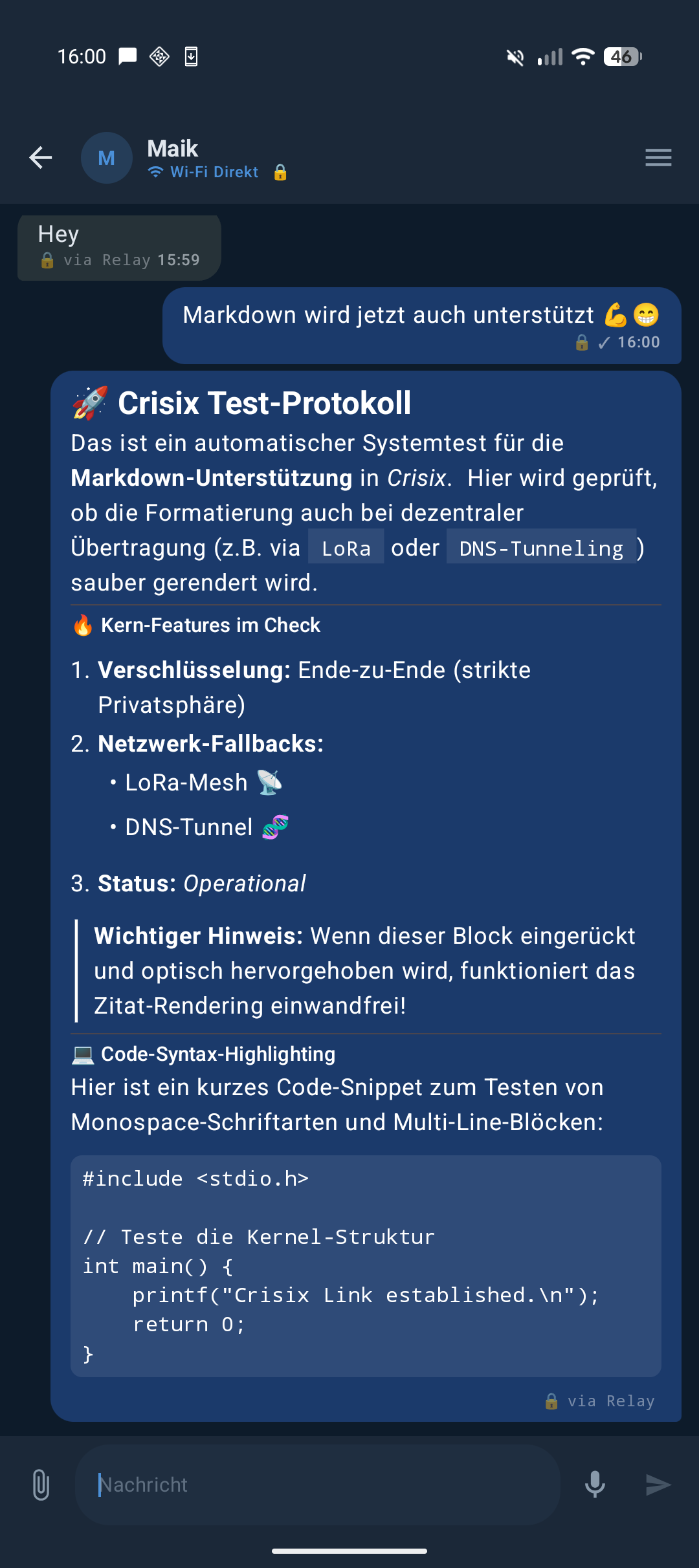
Chat with Markdown
Formatted text with Markdown, URLs and media in dynamic chat bubbles.
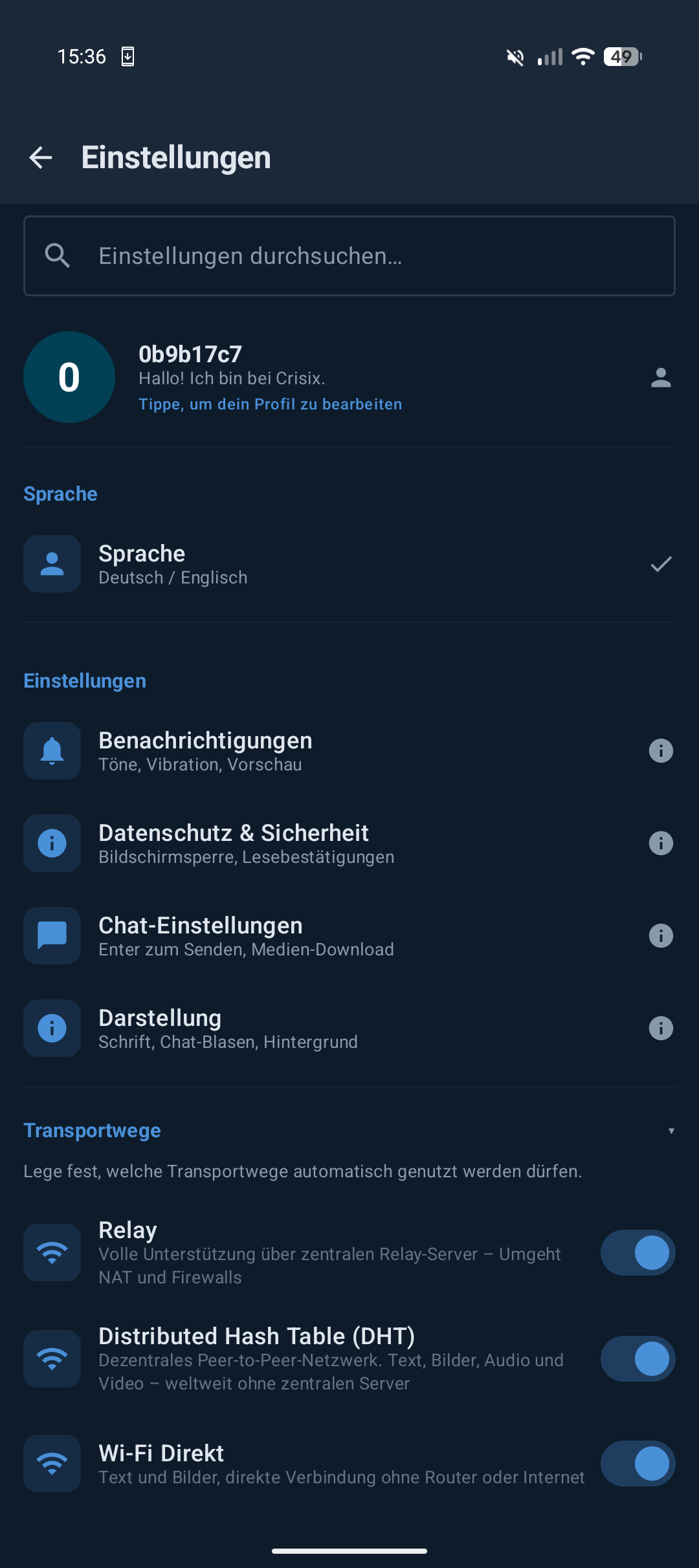
Settings
Redesigned settings with searchable sections, theme customization and new layout.
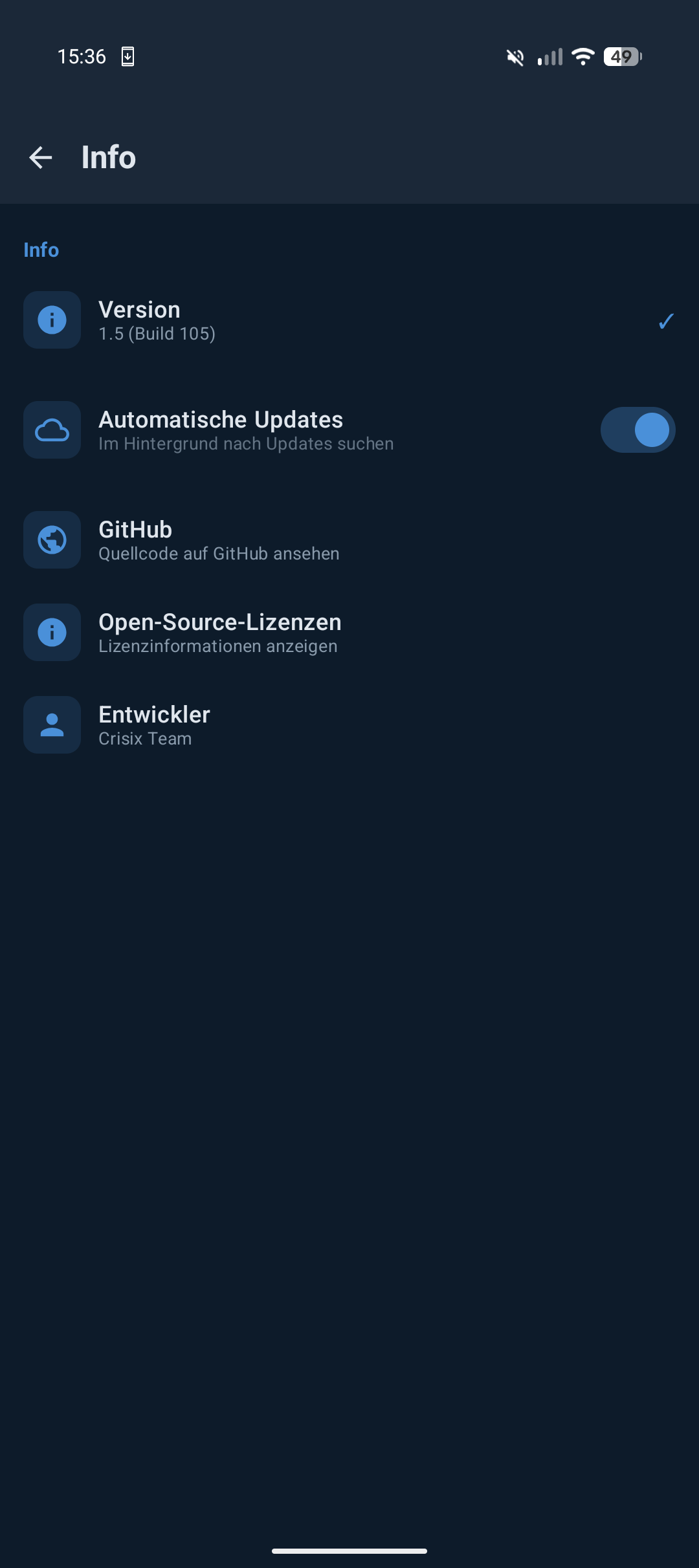
Info & Licenses
Version info, open-source licenses and app details at a glance.
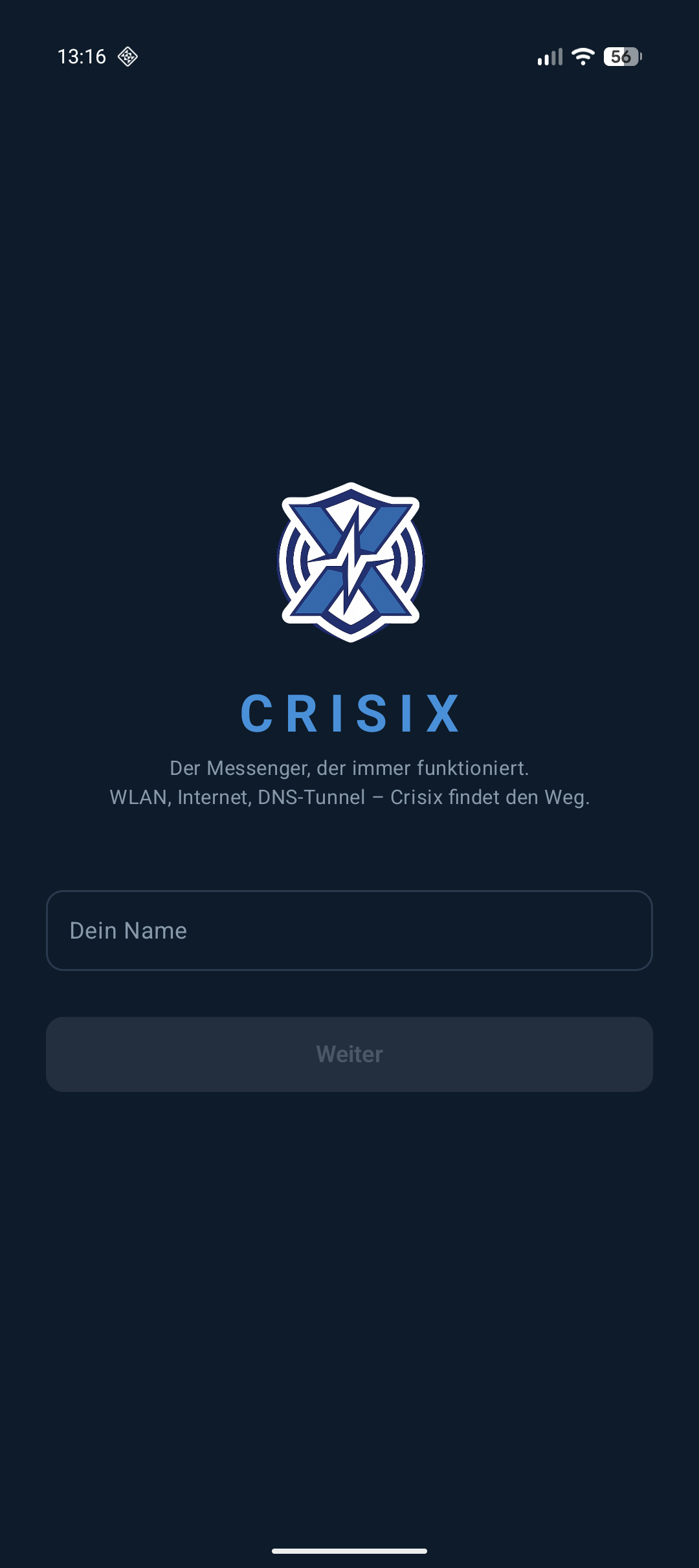
Setup
On first launch, enter your name. 8 characters max – done.
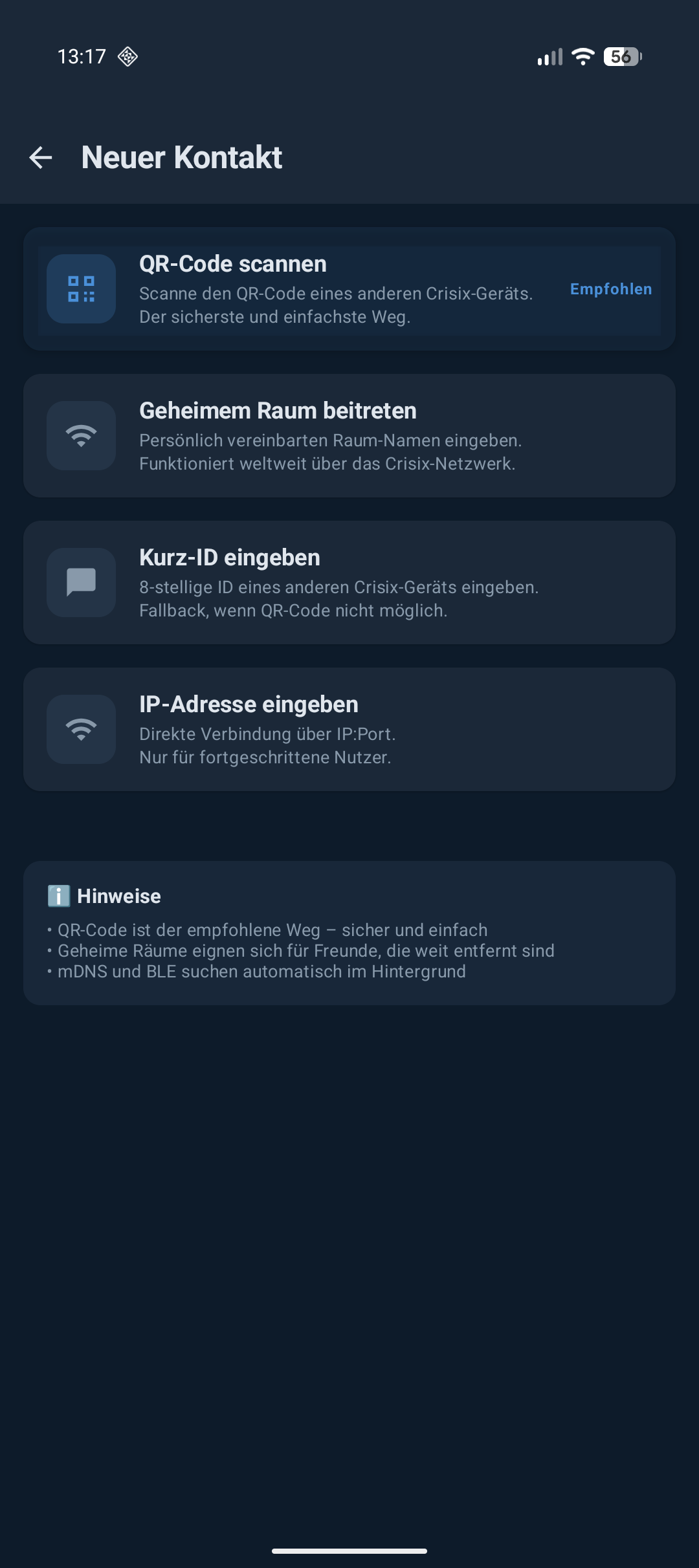
Add Contact
Scan a QR code, enter a short ID, or connect via IP:Port.
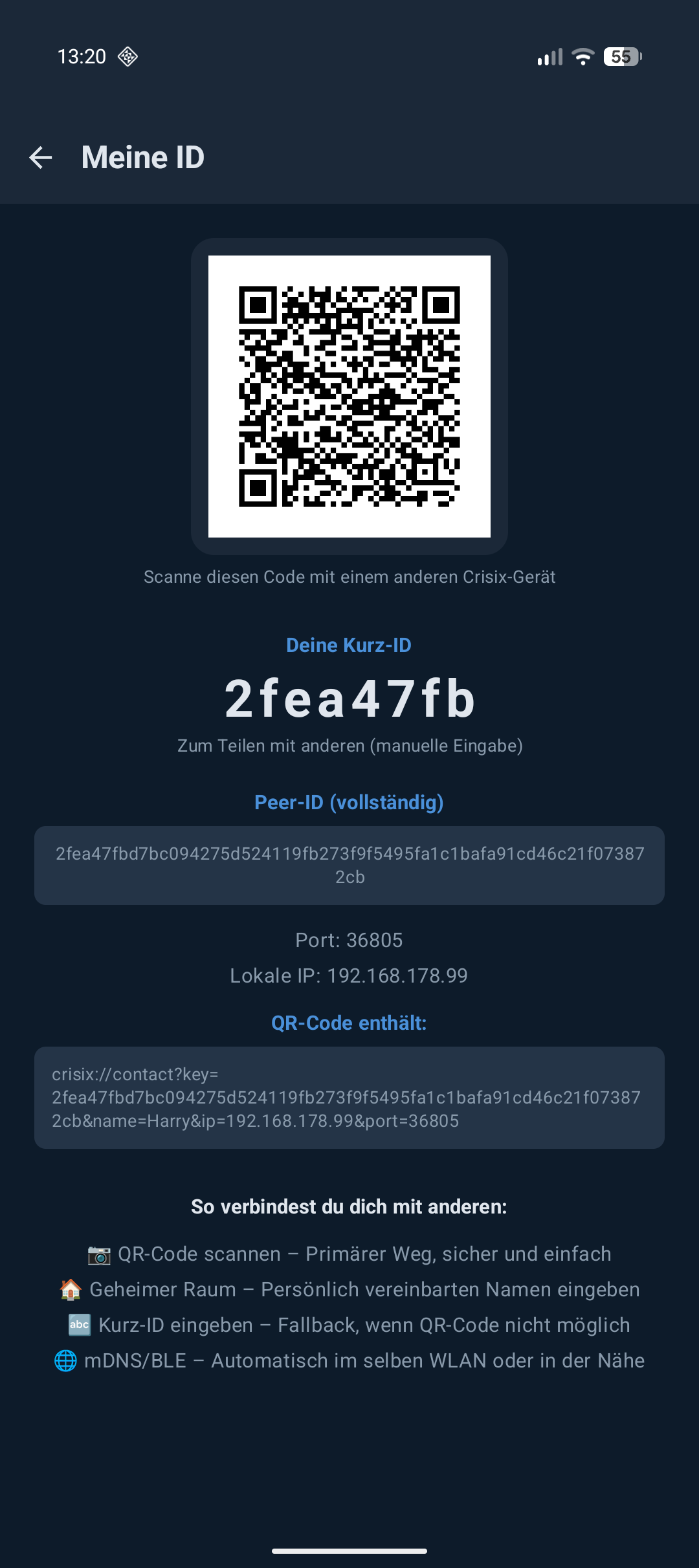
My ID
QR code, short ID and peer ID with convenient share and copy buttons.
How It Works
Encrypted crisis communication made simple.
Install the App
Download Crisix from GitHub Releases and install it on your Android device (Android 11+). See our step-by-step installation guide further down in the Download section.
Create Identity
On first launch, Crisix generates your personal Ed25519 key pair. Your public key is your unique ID.
Add Contacts
Scan your contacts' QR code or let them scan yours. No phone number, no email required.
Send Messages
Crisix automatically selects the best available transport – Bluetooth, Wi-Fi, Internet or DNS tunnel. Always encrypted.
Technology Stack
Crisix uses cutting-edge technology for maximum security and reliability.
Frequently Asked Questions
Answers to the most important questions about Crisix.
No. Crisix works completely without internet. The app prioritizes local connections like Bluetooth, Wi-Fi Direct or SMS. Internet and DNS tunnel are just two of seven possible transport paths.
Crisix uses the Signal encryption standard: X3DH key exchange + Double Ratchet protocol with AES-256-GCM for every single message. Your messages are end-to-end encrypted – nobody except the recipient can read them.
Yes! Images and voice messages are sent encrypted over all available transport paths. From Bluetooth to DNS tunnel – your media will arrive.
Crisix buffers your messages and automatically retries sending as soon as a transport path becomes available again. Messages remain safely in the queue until they can be delivered.
No. Crisix uses your own Ed25519 key pair as your identity. Your ID is your public key – no phone number, no email, no account. You remain pseudonymous.
Three ways: 1) Scan QR code – the easiest and recommended method; 2) Secret Rooms – discover peers via a shared room name over the DHT network; 3) Short ID – share your 8-digit ID.
Yes! Crisix works on devices with and without Google Play Services. The app does not use any Google APIs for core functionality. Bluetooth, Wi-Fi Direct, SMS and DNS tunnel work completely independent of Google.
Crisix has a built-in update manager. The app automatically checks for new versions on startup and notifies you. You can download updates directly in the app and install them with a single tap. Or get the latest APK manually from GitHub Releases.
Secret Rooms allow you to find other Crisix users worldwide via the DHT network. Agree on a shared room name (e.g. "help-zone-7") and Crisix automatically finds peers who have joined the same room. The room name is hashed and never transmitted in plain text.
Yes! With the message timer you can set messages to auto-delete after 30 seconds, 5 minutes or 1 hour. Deletion occurs on both devices – even if the app was closed in between (thanks to background WorkManager).
Download Crisix
Version v1.5 · Requires Android 11 (API 30) or higher
Latest Release
- Settings komplett refaktoriert: suchbare, einklappbare Sektionen, neues Preferences-System
- Neue Einstellungsbildschirme: Notifications, Privacy, Chat, Appearance, Info, Transport Priority
- Theme dynamisch: Schriftgröße (normal/large/xlarge) und Schriftart (System/Monospace)
- DHT-Verbesserungen: IPv4-Fix, Relay-Kurz-ID-Suche, mDNS-Revival
APK Installation Guide
Follow these four simple steps to install Crisix on your Android phone. Don't worry – Android's warning messages are normal!
Important note about the warning messages
Don't worry! The Android security warning appears for any app that doesn't come from the Google Play Store. Crisix contains no malware. The entire source code is publicly viewable on GitHub (MIT license). Google Play Protect automatically scans the app during installation. You can disable the "Install unknown apps" permission at any time after installation.
- Crisix is Open Source – anyone can inspect the source code
- The warning is normal and appears for any app outside the Play Store
- Google Play Protect automatically scans the app for malware
- You can disable the permission after installation
Download the APK file
Click the "Download APK" button above. The file will be saved to your phone's "Downloads" folder.
Open the APK file
Tap the downloaded file in your notifications, or open the "Downloads" app and select the APK file.
Allow the installation
Android shows a security warning because Crisix is not from the Play Store. This is completely normal and nothing to worry about! Tap "Settings" and enable "Allow from this source" (or "Install unknown apps" depending on your device).
Open Crisix & get started
After installation, tap "Open". On first launch, Crisix will ask for some permissions (Bluetooth, Location, SMS) – these are needed for the various transport methods.
Contact
Have questions, feedback or want to contribute to the project? Write us!